The short version
A useful starting point
Consider Descript for transcript-guided editing with a final audiovisual review.
A good fit if…
Creators editing spoken tutorials, interviews or podcasts.
Look elsewhere if…
You expect text-level fluency to guarantee a natural or faithful recording.
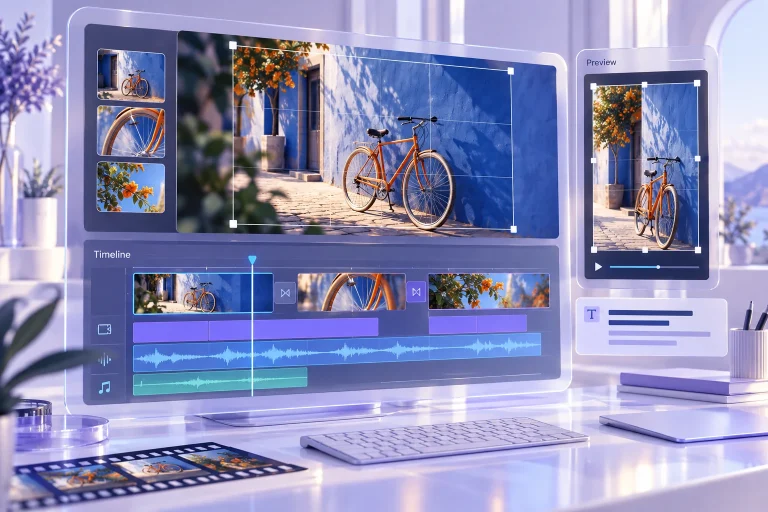
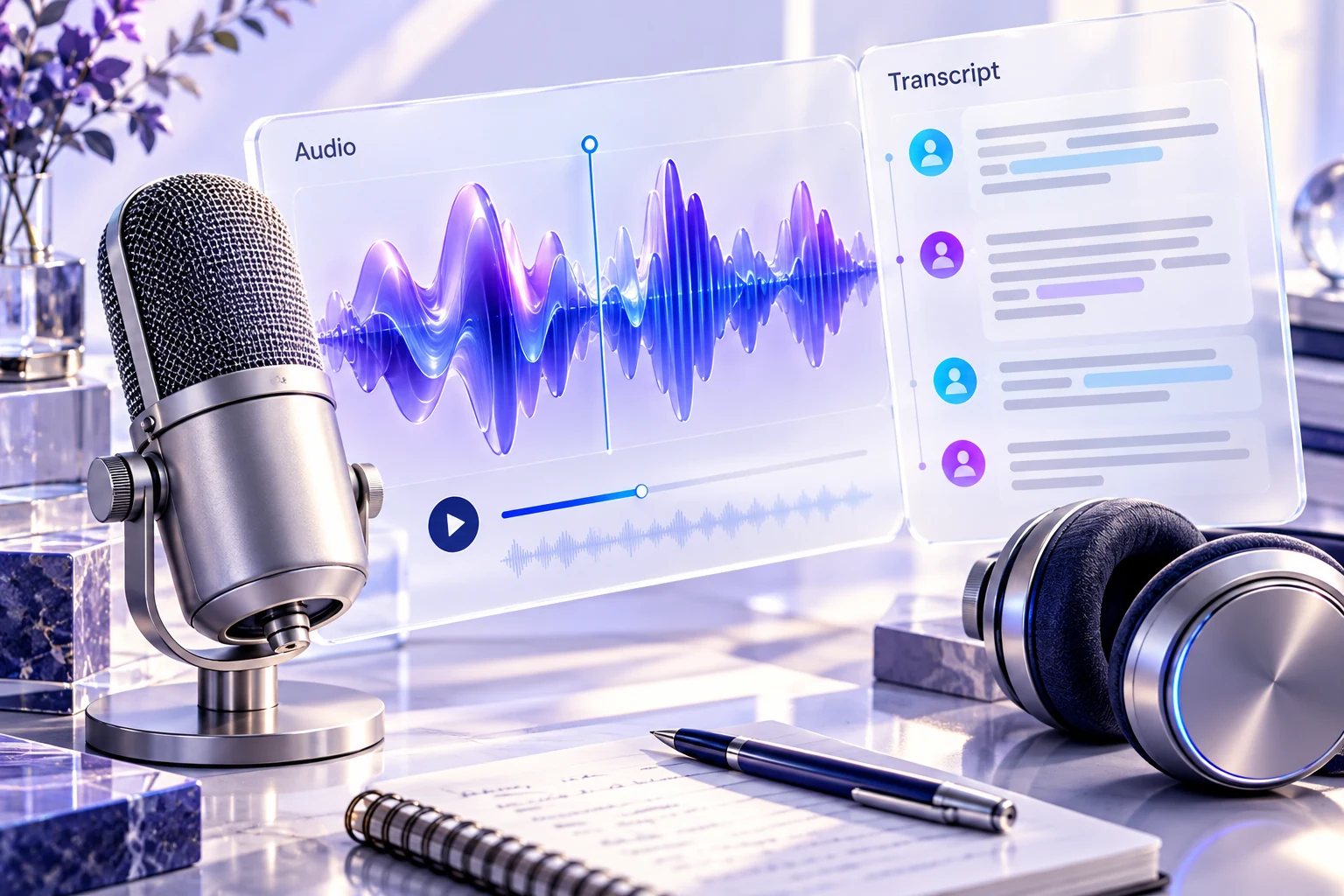
Editing spoken material through text can make a long recording easier to navigate. Descript is a candidate when you want the transcript to guide audio or video editing. The transcript should help locate an edit, while listening and viewing determine whether the resulting explanation still works.
The documented editing model
Descript presents text-based audio and video editing, transcription and captions. These capabilities connect the spoken material with an editable text view. Check the current project, export and usage requirements for your account, and treat transcription quality as something to evaluate on your own recording.
Correct meaning before tightening delivery
For a hypothetical software tutorial, identify the step being demonstrated and the warning that belongs with it. Correct important transcript errors before using the text as an editing map. A product name, a number or the word not can change the instruction if misheard.
When removing a hesitation or repeated phrase, listen across the join. The cut should preserve the speaker’s intended meaning and the timing needed to follow what is on screen. A sentence that reads smoothly may sound abrupt, and a shortened narration can get ahead of the visual demonstration. Keep a way to compare the edited sequence with the original.
Distinguish repair from a new statement
If you use generated speech or other replacement features available in your account, decide whether the change repairs delivery or introduces content that was never spoken. Obtain appropriate permission for any represented voice and review the new statement as authored material. Do not present an altered quotation as an untouched record of what someone said.
Evaluate the exported lesson
Try a permitted sample containing a correction, an on-screen action and a pause that gives the viewer time to follow. Inspect captions after editing and watch the exported file from start to finish. Choose Descript when transcript-driven work speeds navigation without removing the listening and viewing checks that make the final recording accurate and usable.
Compare the workflow with the other options in our task-based comparison.
Review scope
This review uses the linked official product documentation and editorial analysis. We have not run a hands-on product test or measured accuracy. Suggested exercises describe how to evaluate your own workflow. Plan access and data settings should be confirmed for the account you intend to use. Sources checked on 2026-10-24.
Strengths
- The transcript can serve as a useful navigation and editing surface.
Limitations
- Cuts and replacements can change timing or meaning even when the text reads well.