
The short version
A useful starting point
Consider Canva when generated imagery is one part of an editable, finished design.
A good fit if…
Creators assembling handouts, presentations or campaign graphics.
Look elsewhere if…
You only need a standalone image and will not use the surrounding layout workflow.
Generating a picture is often only one part of producing a useful design. Canva is a candidate when the image needs to sit beside text, shapes and other material in a finished layout. Evaluate the complete artifact and the changes another person may need to make later, rather than stopping at the generated image.
The documented path into a design
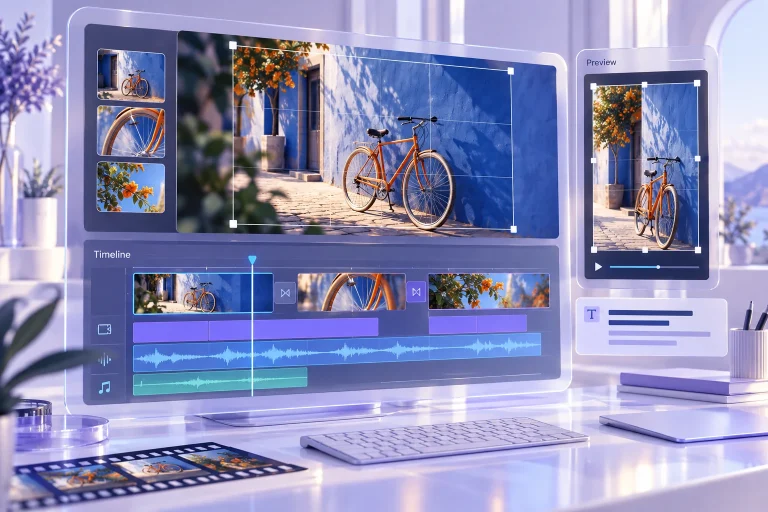
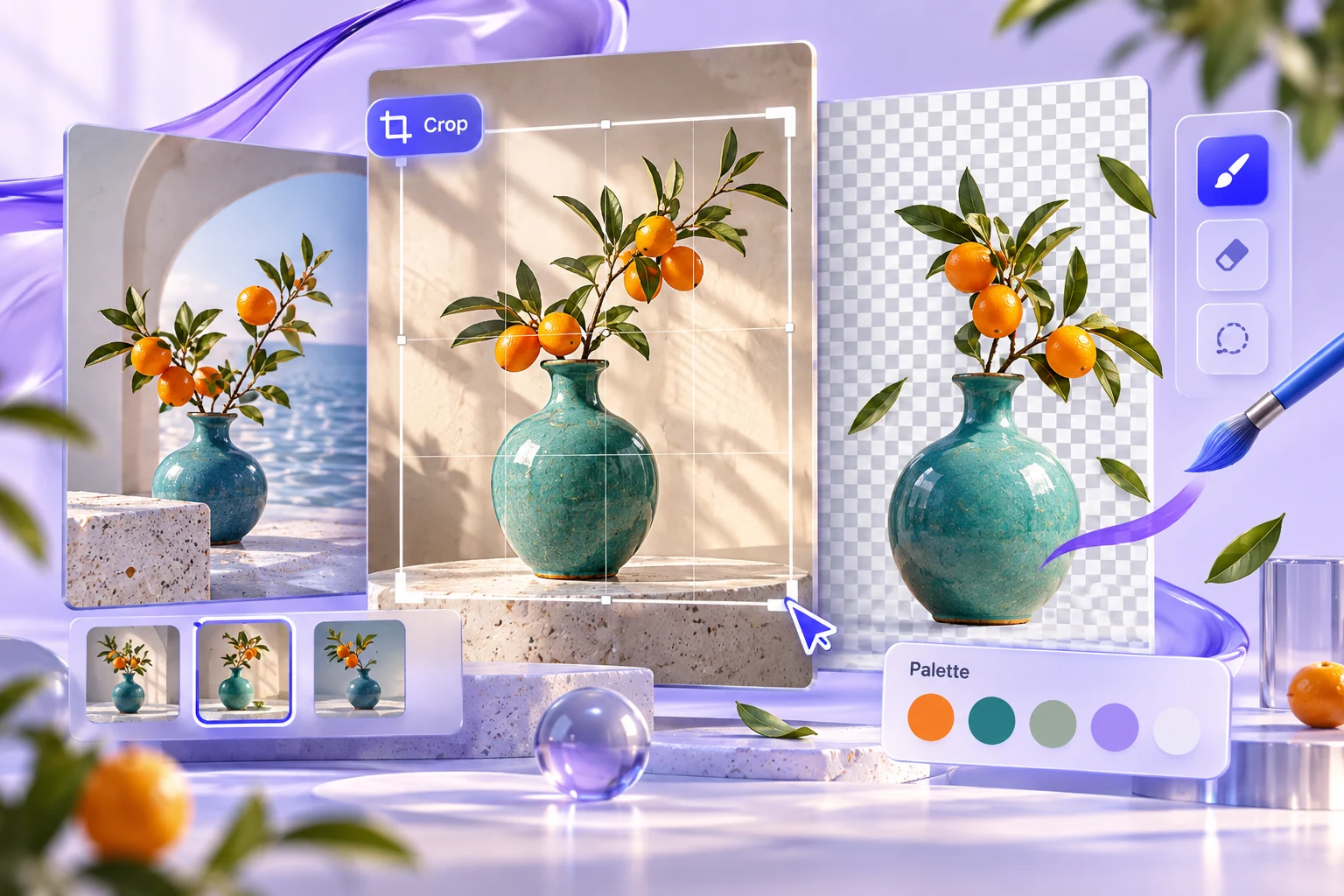
Canva describes image generation from a prompt or reference and the option to continue in its editor with text and other elements. This supports a workflow from concept to arranged design. Check the current tools, account allowances and export choices for the artifact you intend to deliver.
Separate imagery from information
For a hypothetical workshop handout, use the image to establish a visual theme while keeping the title, date and instructions as editable text. That makes factual corrections possible without regenerating the artwork. Keep the wording in an approved copy sheet and compare the final layout with it before export.
Choose a composition that leaves room for the information the reader must use. A detailed generated image can compete with the title or make a small-screen version hard to read. Evaluate the picture in context, then simplify or replace it if it does not support the hierarchy of the design.
Check assets and permissions together
Use references you are permitted to upload and inspect the terms for generated output and any other assets included in the design. Do not assume that access to a design tool grants every right needed for a particular brand, person or third-party work. Keep a record of the sources and decisions relevant to the final deliverable without turning the design itself into a list of production notes.
Test the export and the handover
Export the format the recipient needs and inspect it outside the editor. Check text, crop, image quality and any links. If another person will maintain the design, ask them to update a date or replace a picture using the working file. Choose Canva when the whole design workflow, including those ordinary revisions, is more useful than generating a standalone image that still needs assembly elsewhere.
Compare the workflow with the other options in our task-based comparison.
Review scope
This review uses the linked official product documentation and editorial analysis. We have not run a hands-on product test or measured accuracy. Suggested exercises describe how to evaluate your own workflow. Plan access and data settings should be confirmed for the account you intend to use. Sources checked on 2026-10-24.
Strengths
- Image generation can connect directly with text and layout work.
Limitations
- A finished-looking design still needs factual, asset and export checks.