The short version
A useful starting point
Consider Auphonic for repeatable preparation of spoken recordings with an audible review stage.
A good fit if…
Creators preparing lessons, interviews or podcast audio.
Look elsewhere if…
The source material needs re-recording rather than more processing.
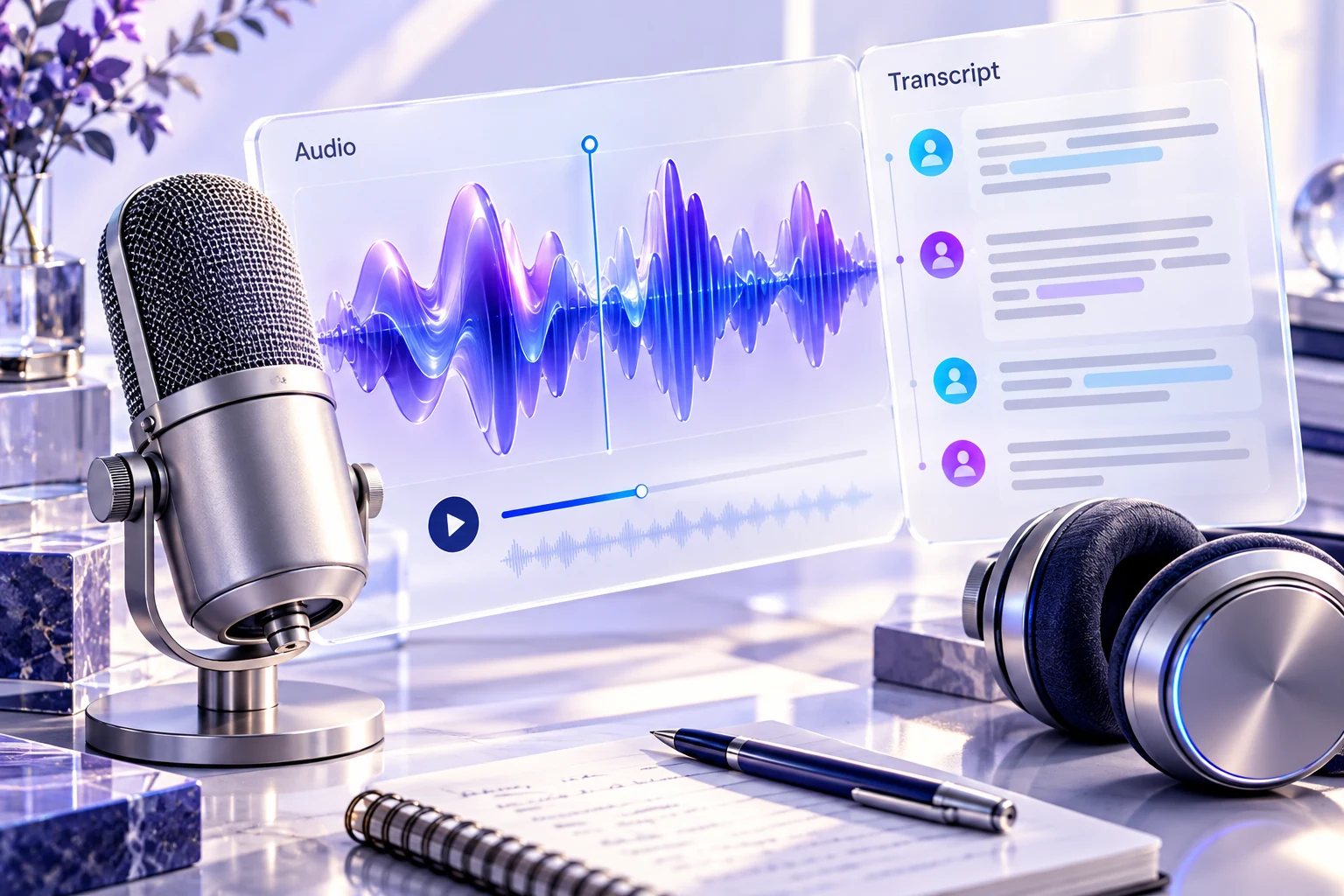
A recording can contain useful instruction while forcing listeners to keep adjusting the volume. Auphonic is a candidate for post-production work on spoken audio. Define the listening problem and intended delivery format before processing the file, then evaluate the result with the original recording still available.
The documented processing role
Auphonic lists leveling, noise and reverberation reduction, and loudness processing. These are relevant to preparing recorded audio, but a feature list does not establish how well a particular damaged recording can be repaired. Separate problems you can address in post-production from material that may need to be recorded again.
Choose a representative passage
For a hypothetical training recording, select a sample containing a quiet speaker, a louder speaker and a transition between them. Include any background sound you want to preserve. Listen to the original and processed versions at comparable levels so that a louder result is not automatically judged better.
Check intelligibility, changes in the character of the voices and the handling of pauses. If music is part of the lesson, inspect the balance around speech rather than evaluating a voice-only passage. Keep the source file unchanged and save processing choices with the output so a later revision can be reproduced.
Match the destination deliberately
Identify the delivery platform and its current audio requirements before choosing output settings. Keep technical delivery compliance separate from the editorial question of whether the lesson is understandable. A file can meet a loudness target while still containing a confusing explanation or an abrupt edit. Listen through the transitions and the beginning and end of the exported file.
Evaluate the repeatable workflow
Use a short non-sensitive recording before processing a whole library. Compare the time spent preparing inputs, reviewing the result and correcting remaining problems. Check current usage allowances and the handling of uploaded material for your account. Choose Auphonic when it supports a repeatable audio-preparation process, while preserving an opportunity to reject processing that harms speech or removes sound the listener needs.
Compare the workflow with the other options in our task-based comparison.
Review scope
This review uses the linked official product documentation and editorial analysis. We have not run a hands-on product test or measured accuracy. Suggested exercises describe how to evaluate your own workflow. Plan access and data settings should be confirmed for the account you intend to use. Sources checked on 2026-10-24.
Strengths
- Several audio preparation tasks can be considered in one workflow.
Limitations
- Processing cannot be assumed to recover every damaged or missing detail.