The short version
A useful starting point
Consider Krisp when you can evaluate the real audio route and any meeting notes separately.
A good fit if…
Remote workers investigating background-noise problems or combined meeting capture.
Look elsewhere if…
You expect noise reduction alone to prove transcript accuracy.
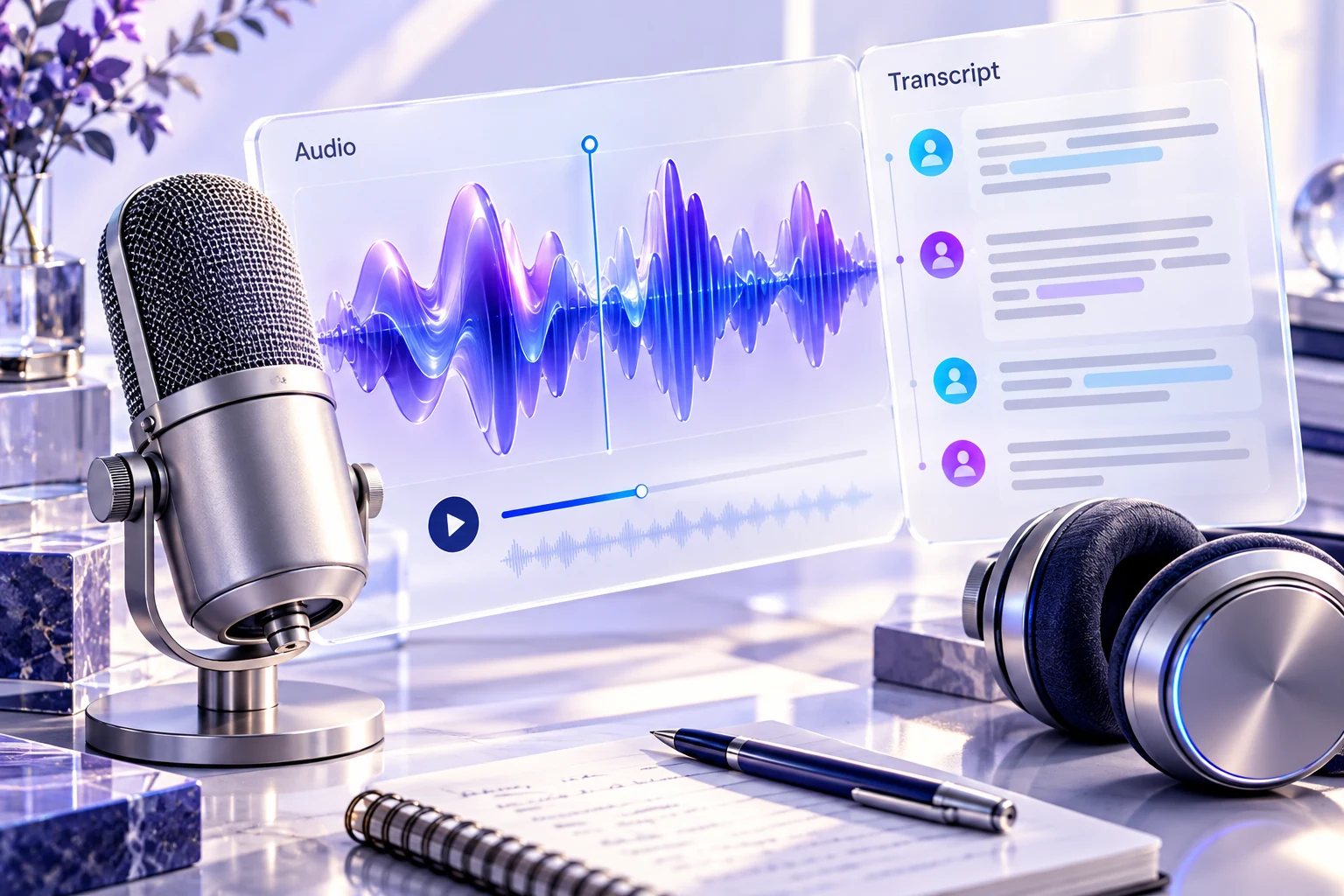
When background noise interferes with a call, better note organization cannot fix the original listening experience. Krisp is a candidate when audio processing and meeting capture both matter. Evaluate the sound reaching the listener separately from the transcript or summary produced afterward, because they are different outputs.
Two parts of the product
Krisp lists noise cancellation alongside recording, transcription and meeting-summary features. Check the current application, operating-system and meeting setup requirements for the features you intend to use. A feature appearing on the product site does not establish that it works through every microphone, device or conferencing arrangement.
Test the actual audio route
For a hypothetical remote presenter, choose a permitted sample with ordinary speech, pauses and representative background sound. Compare the listening experience with the processing enabled and disabled at a similar playback level. Listen for lost syllables or unnatural changes as well as for reduced noise. A quieter background is not useful if the words become harder to understand.
Inspect which microphone and speaker routes the meeting application is using. If another application is also processing the signal, document that arrangement so the comparison is repeatable. Keep a simple way to return to the previous setup if a call participant reports an audio problem.
Review the notes as a separate product
If you use the recording or transcription features, check names, quantities and speaker turns against the source. Do not infer transcript accuracy from an improvement in perceived sound. Establish the capture, participant-notification, sharing and retention process before recording work conversations. The need for noise processing alone does not imply a need to retain every call.
Choose from a representative exercise
Evaluate a short sample in the environment where you normally work, then inspect the listener experience and any generated notes separately. Record the configuration and the corrections still required. Choose Krisp when the selected features solve your actual audio or meeting task without creating a setup that is difficult to diagnose during a live conversation.
Compare the workflow with the other options in our task-based comparison.
Review scope
This review uses the linked official product documentation and editorial analysis. We have not run a hands-on product test or measured accuracy. Suggested exercises describe how to evaluate your own workflow. Plan access and data settings should be confirmed for the account you intend to use. Sources checked on 2026-10-24.
Strengths
- Audio processing and meeting features can be evaluated within one product.
Limitations
- Device routing and multiple processing layers can complicate the setup.